

Wikipedia, the way you remember it.
Since 2023
Runs on Chromium · Firefox
License MIT
In early 2023 Wikipedia switched to a new default design. Honestly? I liked the old one better.
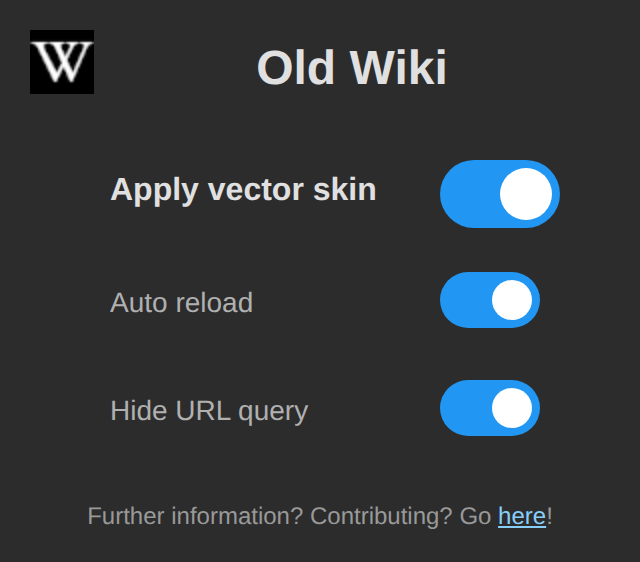
The good news: the old “Vector” skin is still there, you just have to ask for it on every single page. Old Wiki does exactly that for you, on every Wikipedia language and on the other Wikimedia sites too.
What it does#
Set it and forget it
Install it and every Wikipedia page opens in the classic layout. No account and no per-site settings.
Every language
English, German, Japanese, whatever you read: all language versions are covered.
The whole Wikimedia family
Wiktionary, Wikiquote, Wikivoyage, Commons, Wikidata and more get the classic look as well.
Clean address bar
The trick behind it stays hidden from your address bar, so links you copy look normal.
How it works#
It’s a simple trick. MediaWiki, the software behind Wikipedia, still ships the old skin. You just have to ask for it in the URL:
- You open a Wikimedia page Just like always, from a search, a bookmark or a link.
- Old Wiki adds the magic bit
The request gets
?useskin=vectoradded before it even reaches Wikipedia. - Wikipedia serves the classic look And if you want, the extension keeps the address bar clean, too.
Supported sites#
WikipediaWiktionaryWikiquoteWikibooksWikisourceWikispeciesWikinewsWikiversityWikivoyageWikimedia CommonsWikidataMediaWikiMeta-WikiWikimedia IncubatorWikimedia Cloud Services
Want to help?#
Something looks off, or is a Wikimedia site missing? Open an issue on GitHub. Pull requests are always welcome.
This is a third-party extension and isn’t affiliated with the Wikimedia Foundation or the Wikipedia team.